

Join 18,640+ creators




Create the Roblox game you’ve always dreamed of
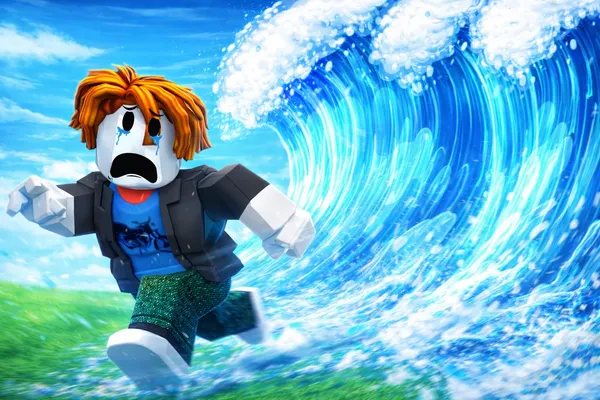
A tsunami to escape 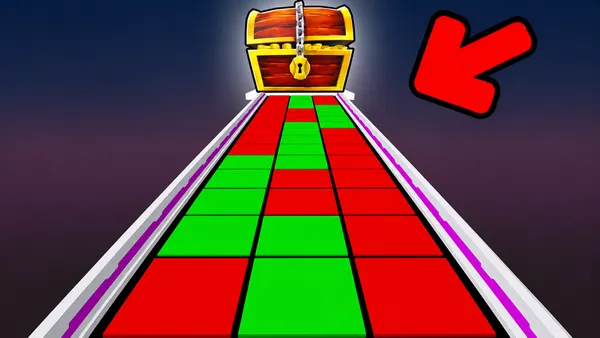
A memory bridge 
A jumping game 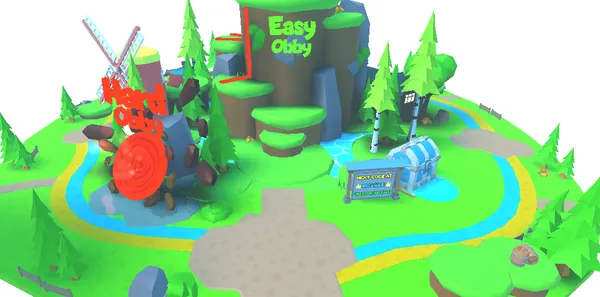
A pet simulator
Linked to Studio in 3 steps
Step 1: Install BuildR6
It goes in Roblox Studio, and it’s free. The site guides you step by step.
Step 2: Link your game
In Studio, click BuildR6, then “Link to BuildR6”: an 8-letter code appears. Type it on the site.
Step 3: Write, R6 builds
Describe what you want in your own words: it appears in your game.
 Steal An Egg, 527,001 players right now, 91% positive ratings, 11 billion visits, View on Roblox (new tab)
 Brookhaven RP, 328,316 players right now, 86% positive ratings, 89.4 billion visits, View on Roblox (new tab)
 Blox Fruits, 195,906 players right now, 92% positive ratings, 65.4 billion visits, View on Roblox (new tab)
 Adopt Me!, 134,078 players right now, 86% positive ratings, 45.4 billion visits, View on Roblox (new tab)
 99 Nights in the Forest, 83,910 players right now, 91% positive ratings, 30.5 billion visits, View on Roblox (new tab)
 Fish It!, 57,885 players right now, 83% positive ratings, 4.8 billion visits, View on Roblox (new tab)
 Fisch, 52,357 players right now, 91% positive ratings, 5.1 billion visits, View on Roblox (new tab)
 Berry Avenue RP, 48,239 players right now, 86% positive ratings, 9 billion visits, View on Roblox (new tab)
 Dress To Impress, 47,965 players right now, 91% positive ratings, 11.3 billion visits, View on Roblox (new tab)
 Pet Simulator 99!, 42,955 players right now, 95% positive ratings, 2.7 billion visits, View on Roblox (new tab)
 Volleyball Legends, 41,087 players right now, 95% positive ratings, 4.1 billion visits, View on Roblox (new tab)
 Sol’s RNG, 30,730 players right now, 91% positive ratings, 2.3 billion visits, View on Roblox (new tab)
Frequently asked questions
- No coding
- Fixed price per message
- Undo in one click
Do I need to know how to code?
No. You write the way you talk. R6, our AI, builds it for you.
How do I get credits?
Buy a top-up whenever you like, or take a plan: its credits arrive every month.
Prices show on the Credits page once you sign in.
How much does a message cost?
Fixed price per message, depending on the AI: Fast 1 credit, Recommended 2, Powerful 9. A refusal or a failed job costs nothing.
Your balance shows at the top of every page.
Long job: R6 stops and offers you one more message, at the same price.
What if I don’t like the result?
Under each reply, click “Undo”: your game goes back to how it was.
R6 leaves alone what you built yourself.
Undo is free. Credits already used are not refunded.
Is my game really mine?
Yes. We claim no rights to your games.
You can use, change and publish what R6 builds.
What do I need?
A computer with Roblox Studio, which is free, and the BuildR6 plugin added to Studio.
No Studio yet? The site guides you step by step, from installing it to linking your game.
On your phone, you can read your messages and your balance, but not build.
More questions
Do I have to give my Roblox password?
No. You sign in to Roblox inside Studio.
BuildR6 links to your game with a code shown in Studio.
Can R6 do everything?
A lot, but not everything. Everything is made of blocks, with no sculpted shapes. No saving between play sessions yet.
If R6 can’t do something, it says so.
Does R6 check that my game works?
Not yet. Studio confirms each change: the labels only show what was really placed.
To try it, click Play in Studio.
What does R6 see of my game?
R6 only sees what it has placed in your game. It doesn’t read the rest of your game.
Your messages are sent to an AI, only to build your game.
Is BuildR6 connected to Roblox?
No. BuildR6 is an independent service, not affiliated with Roblox Corporation.
Your game can earn you money
